Begin with the professional’s workspace. Follow a client conversation through to a confirmed appointment and the day’s results.
About the images
This guide explains current workflows. The annotated Portuguese screenshots are historical images from 0.11.3, using fictional data. They are not screenshots or certification of build 43. Read the English instructions beside each image for the current process.
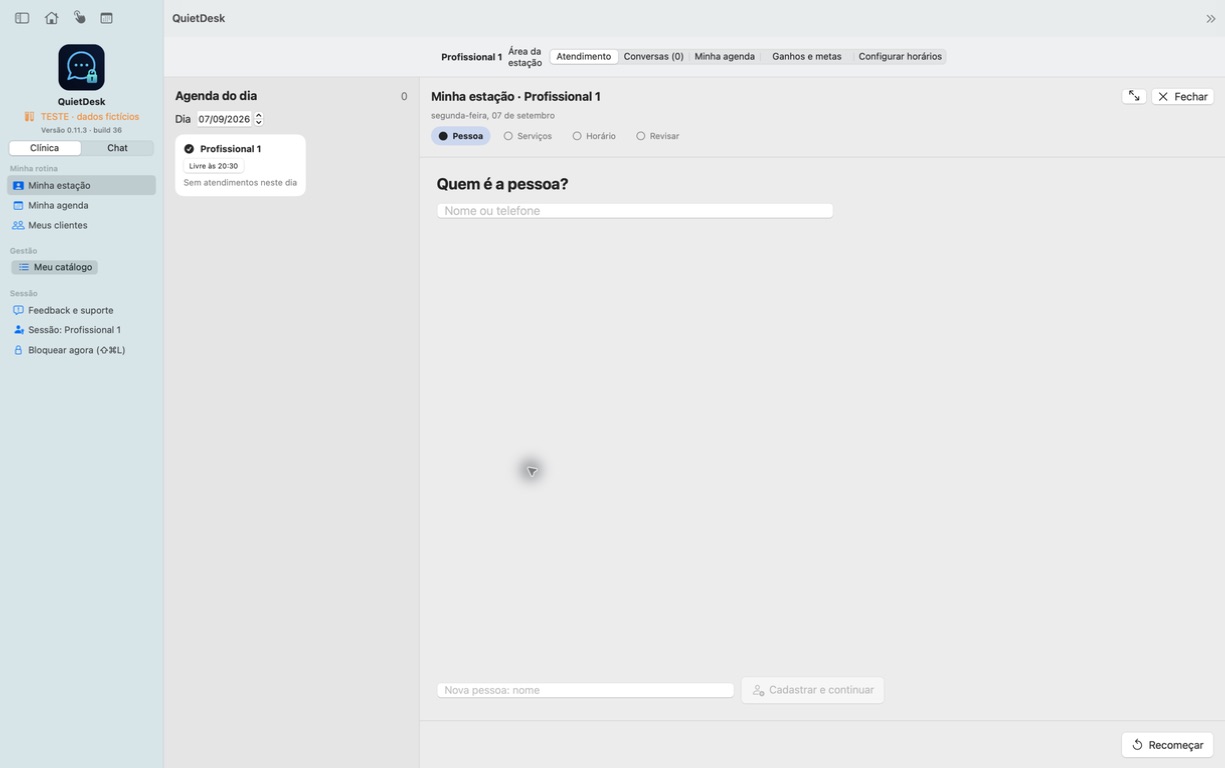
Your workspace
Begin with your own appointments, clients and permitted services.
Historical Portuguese screenshot · 0.11.3 · fictional data · not a build 43 screenshot
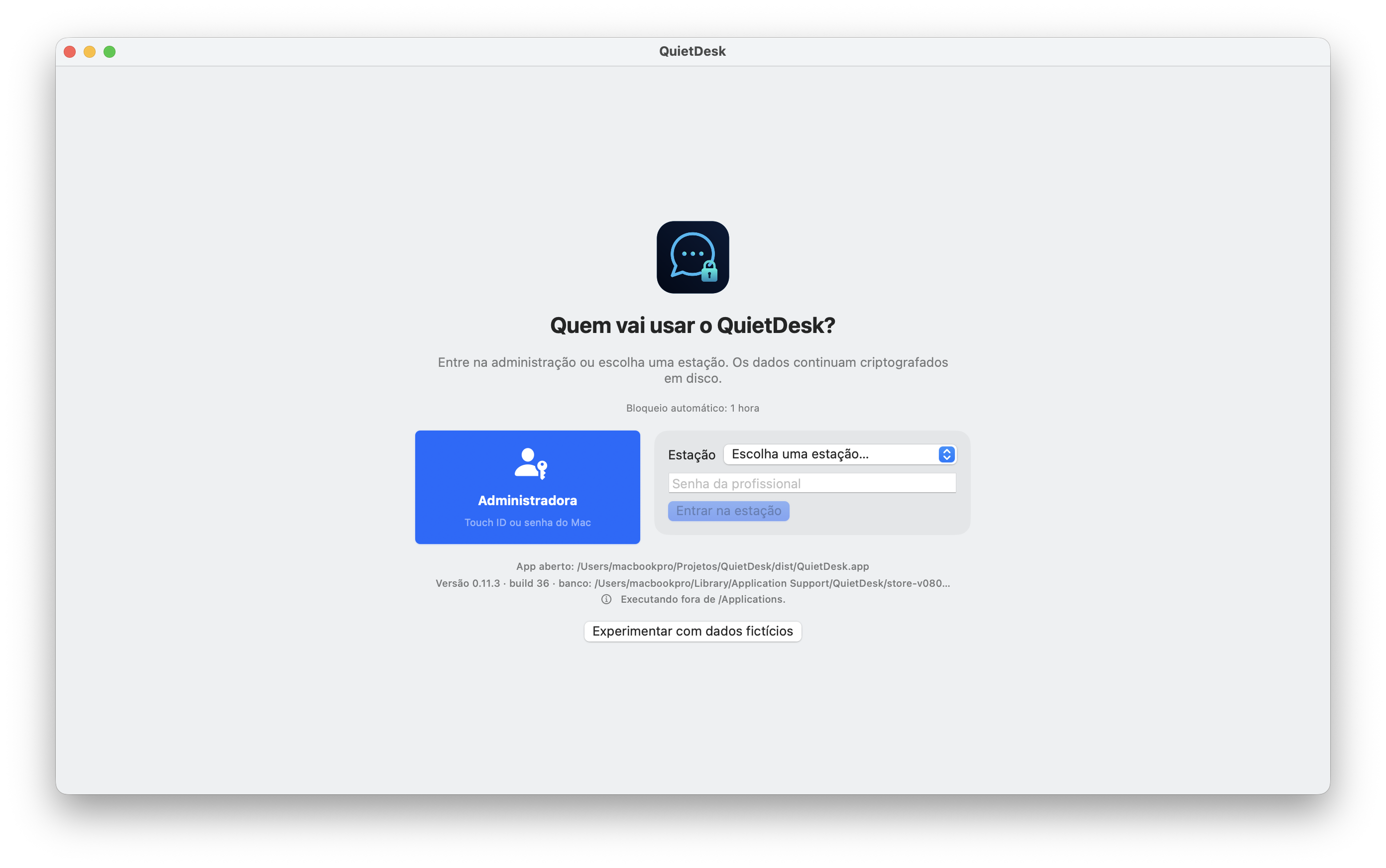
Sign in to your role
The same app supports professional, reception and administrator roles.
Historical Portuguese screenshot · 0.11.3 · fictional data · not a build 43 screenshot
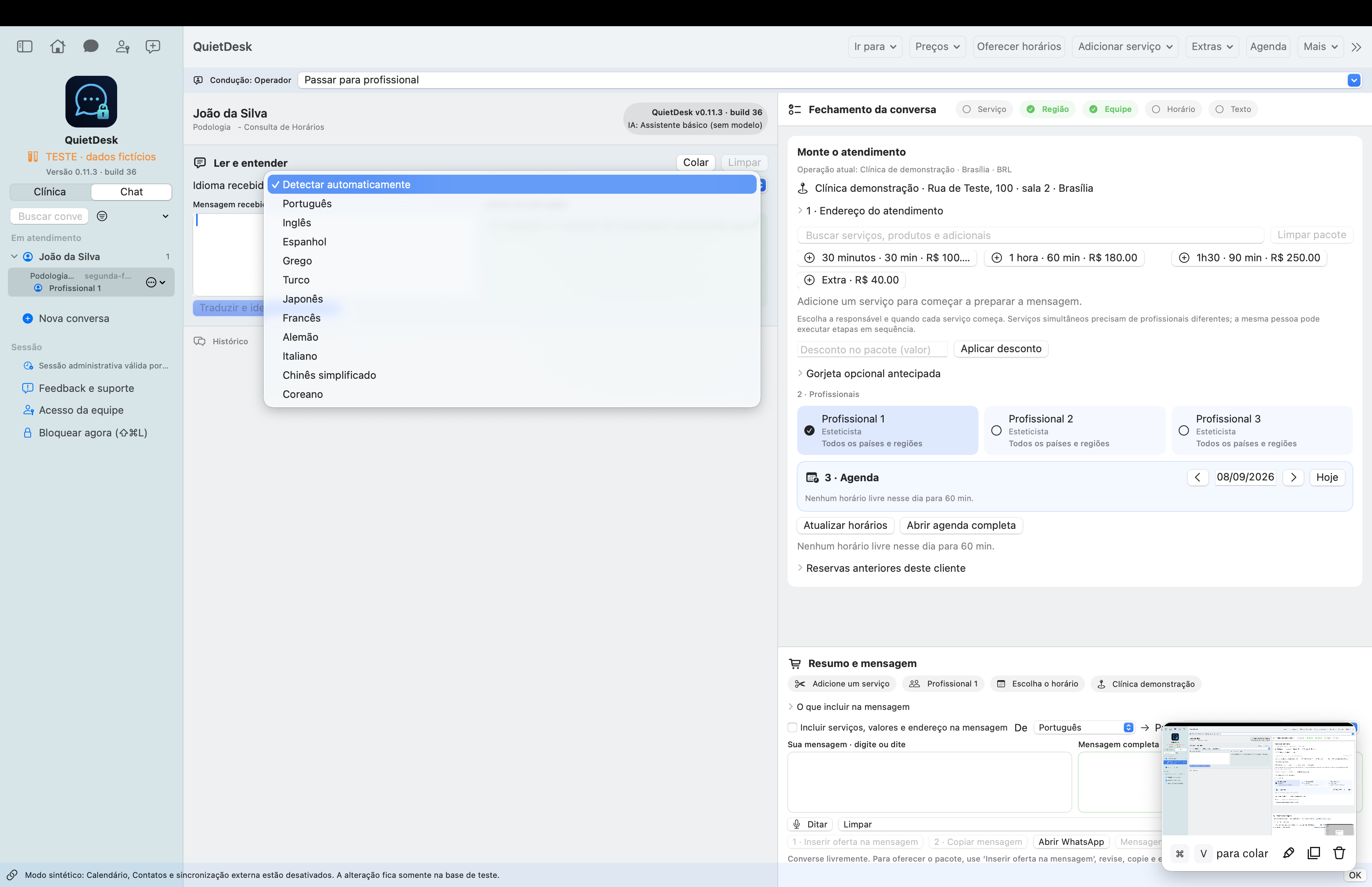
Talk to the client, with context
Understand the request, prepare a reply and decide the next step.
Historical Portuguese screenshot · 0.11.3 · fictional data · not a build 43 screenshot
Reception and specialist, together
Pass a specific conversation to the right person without losing its context.
Historical Portuguese screenshot · 0.11.3 · fictional data · not a build 43 screenshot
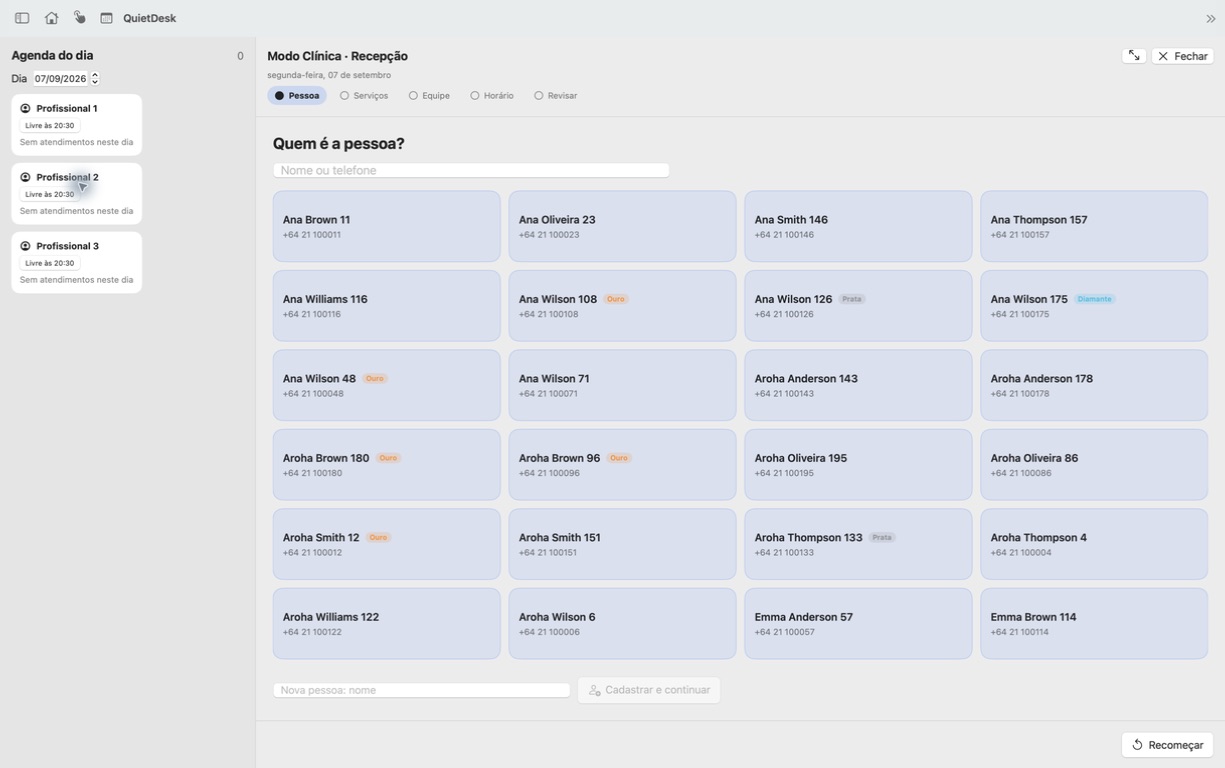
From request to confirmed booking
Person → services → team → time → review.
Historical Portuguese screenshot · 0.11.3 · fictional data · not a build 43 screenshot
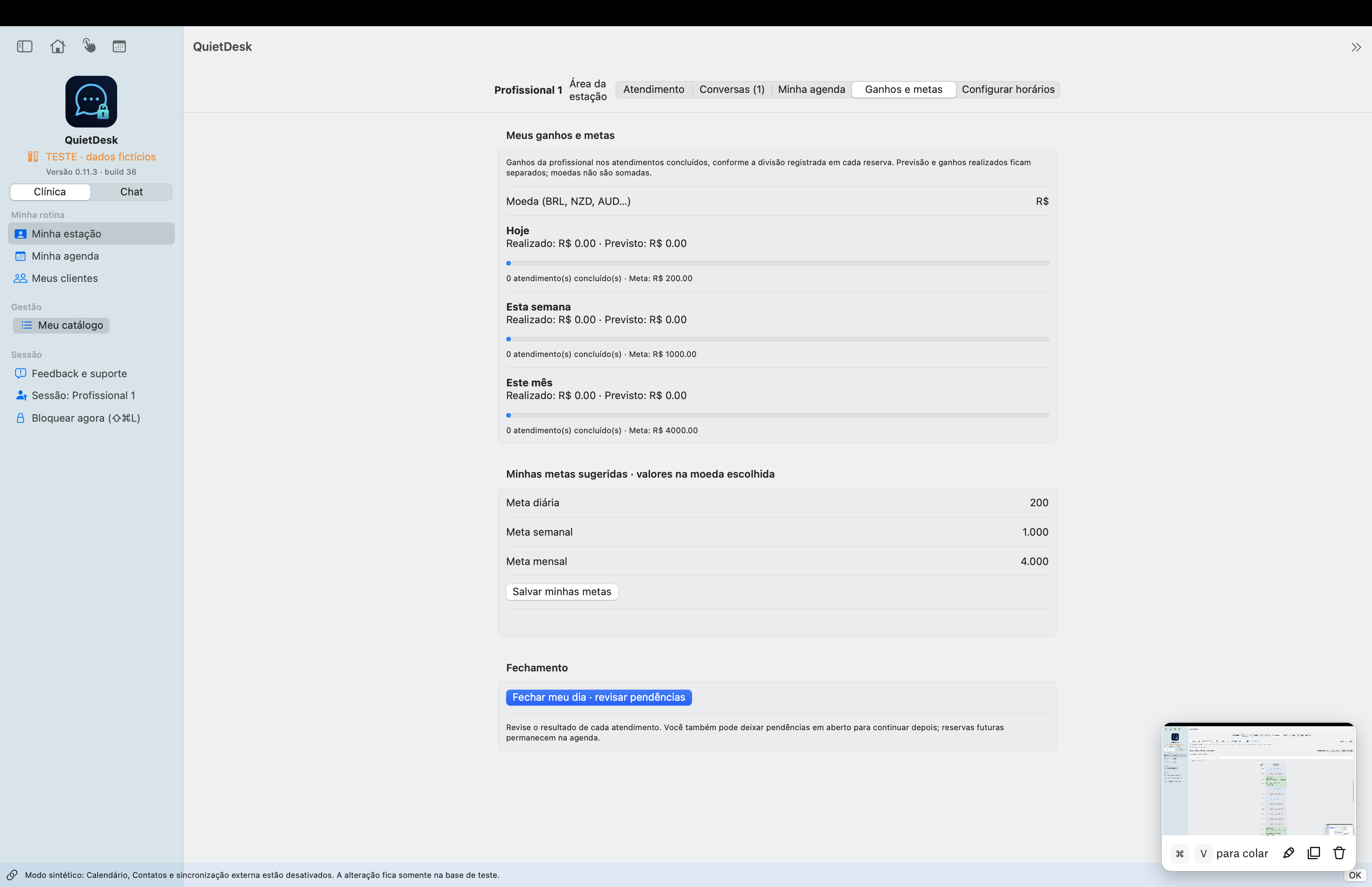
Your schedule and financial overview
See your own work and results within the permissions set by the clinic.
Historical Portuguese screenshot · 0.11.3 · fictional data · not a build 43 screenshot
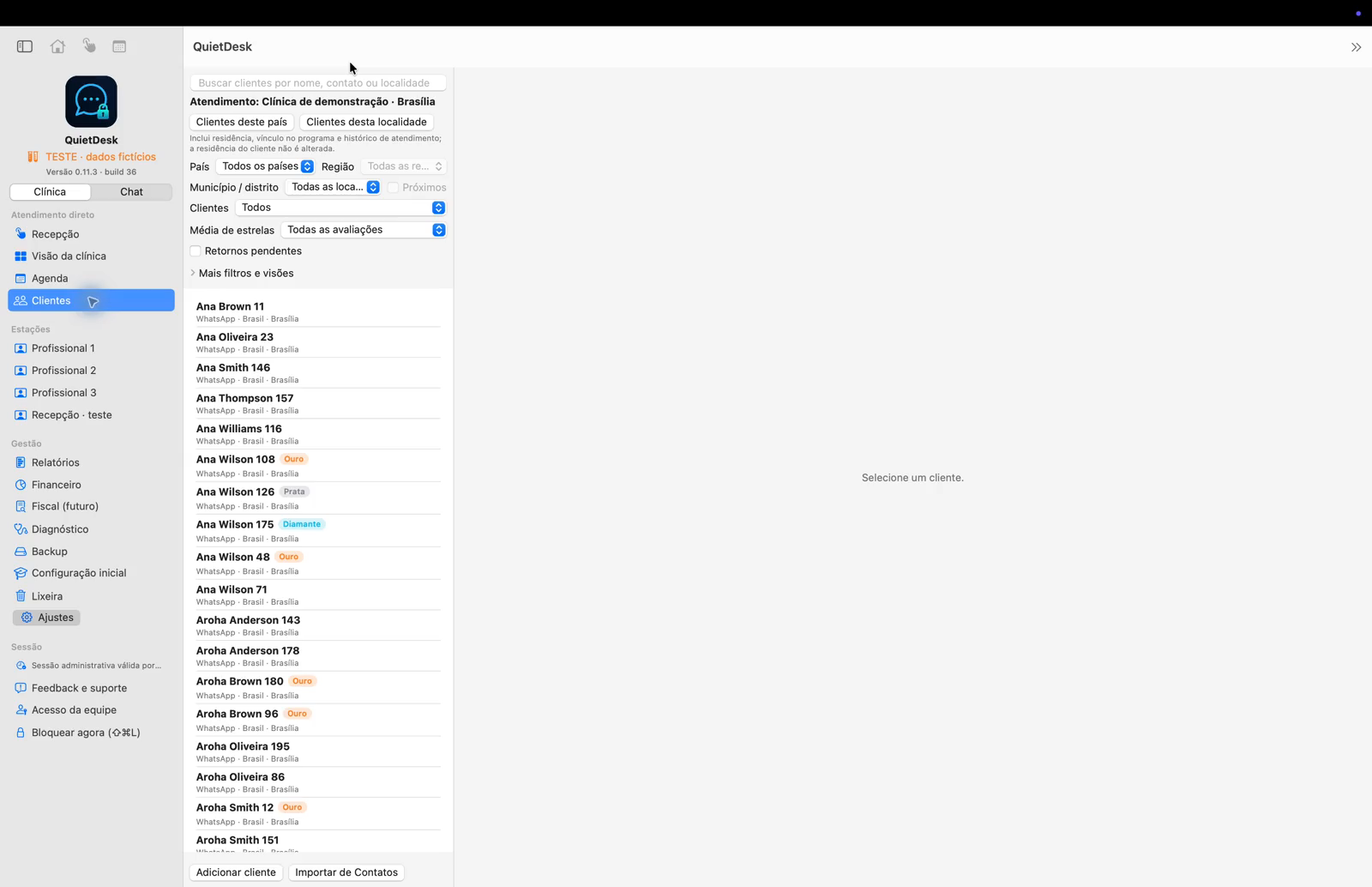
Remember the relationship
Client context, preferences and follow-up stay together locally.
Historical Portuguese screenshot · 0.11.3 · fictional data · not a build 43 screenshot
Two or more branches and locations
Organise locations, local schedules, service catalogues and temporary operations.
Historical Portuguese screenshot · 0.11.3 · fictional data · not a build 43 screenshot
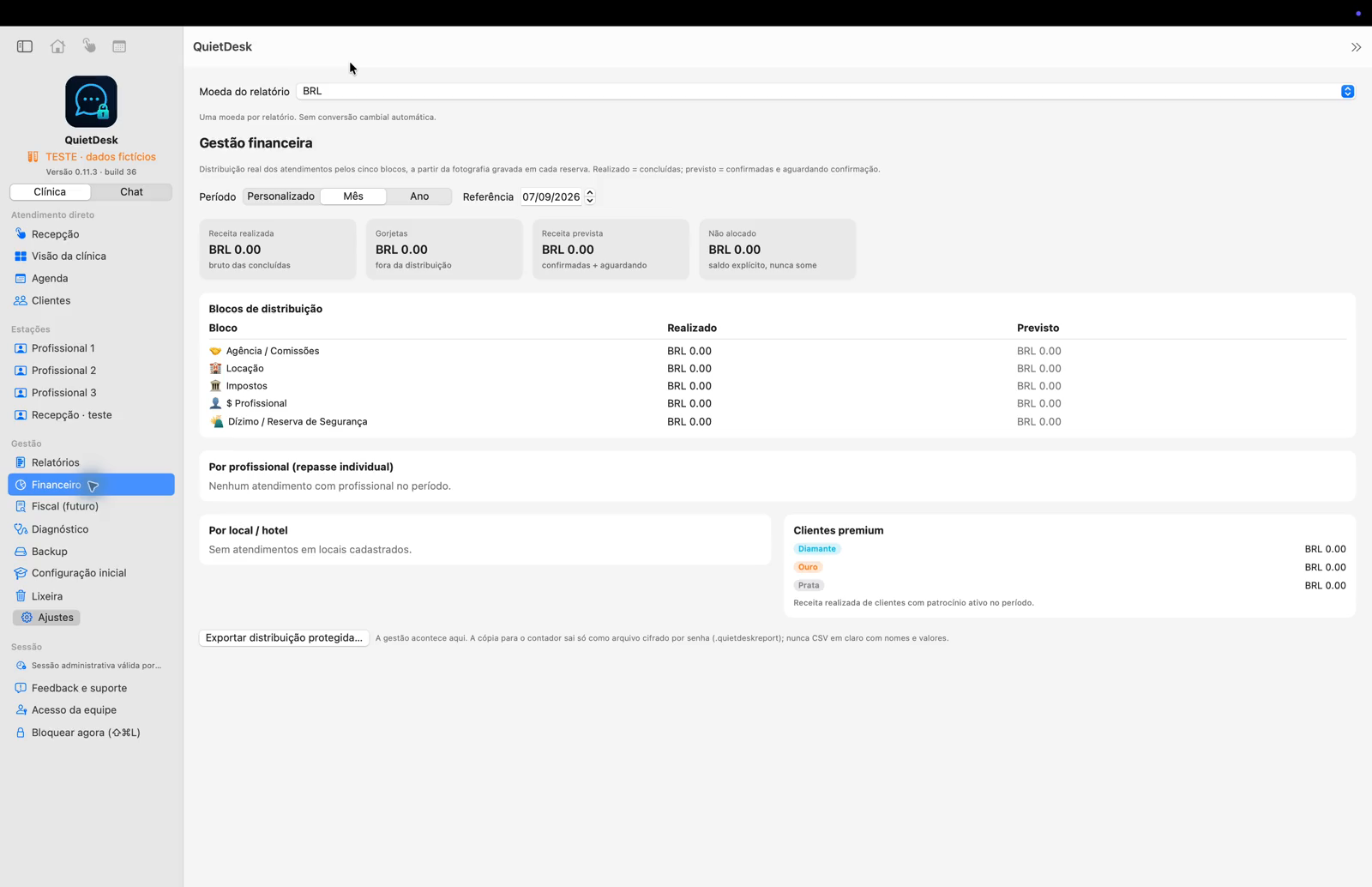
Clear amounts, separate currencies
Consult financial records without turning QuietDesk into a payment processor.
Historical Portuguese screenshot · 0.11.3 · fictional data · not a build 43 screenshot
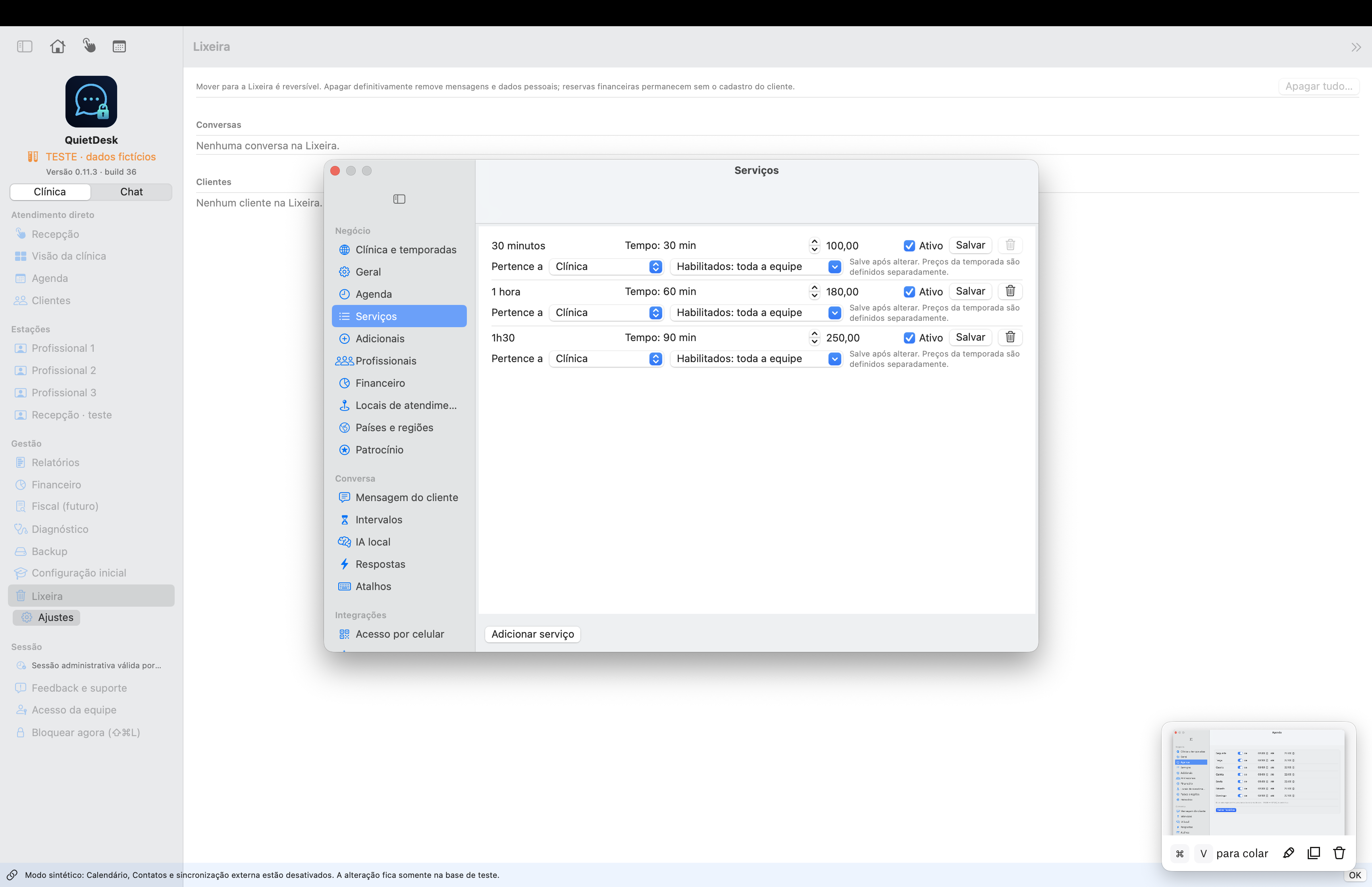
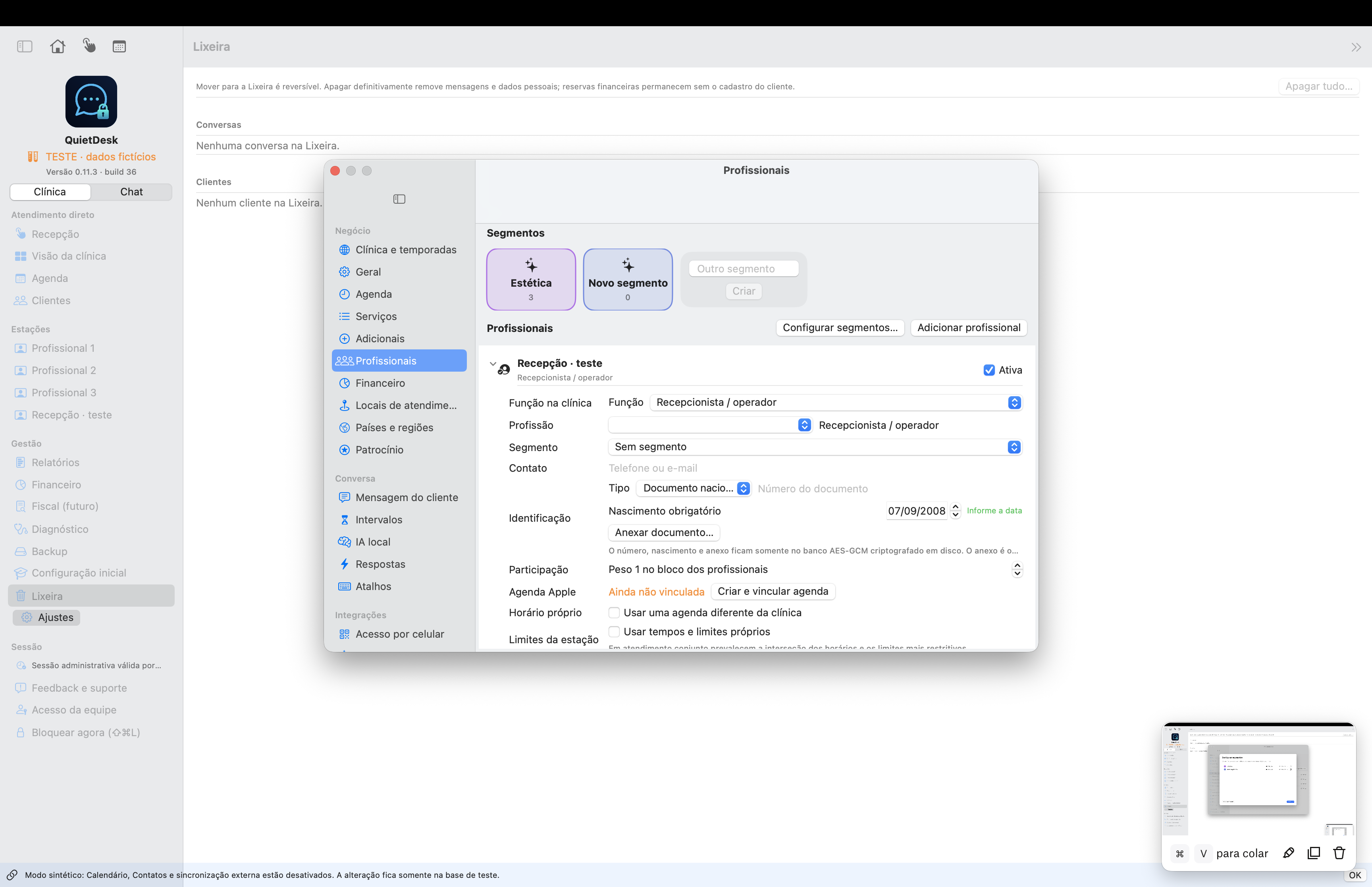
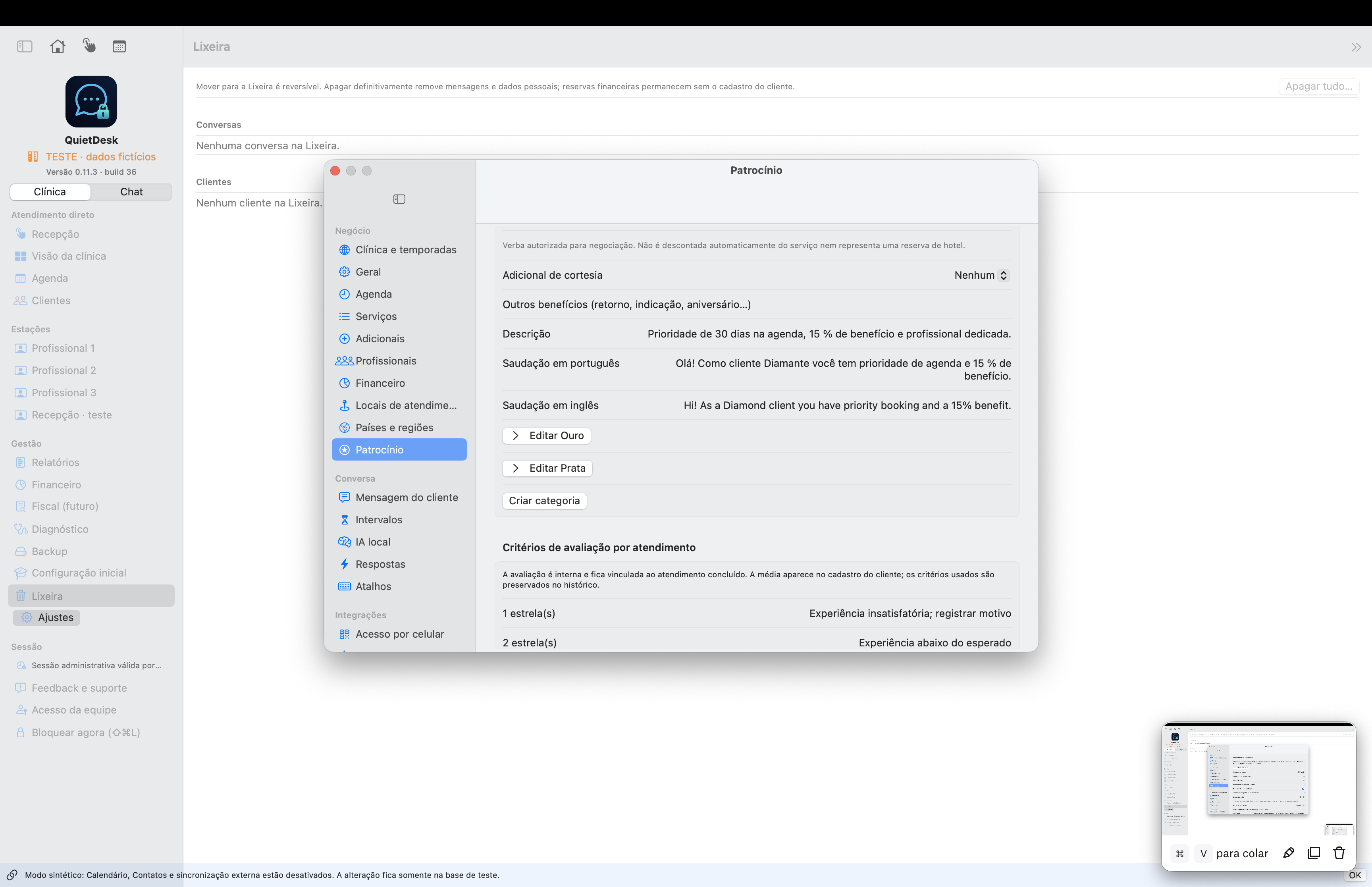
Prepare the clinic once
Administration sets up the operation; professionals work within it.
Historical Portuguese screenshot · 0.11.3 · fictional data · not a build 43 screenshot
What is here, and what comes later
Keep current operational tools separate from future plans.
Historical Portuguese screenshot · 0.11.3 · fictional data · not a build 43 screenshot
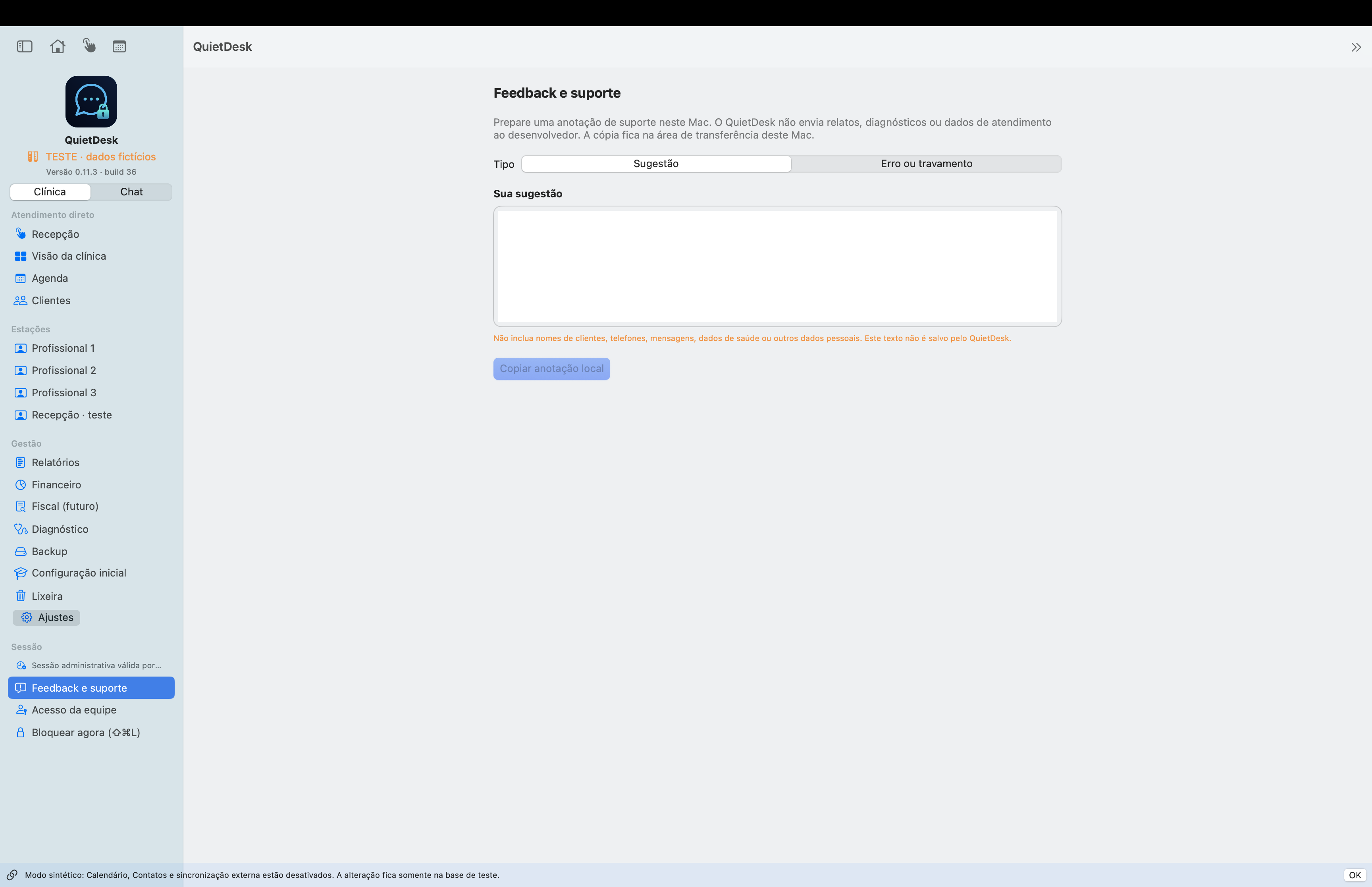
Use the preview safely
The candidate is being validated before public distribution.
Historical Portuguese screenshot · 0.11.3 · fictional data · not a build 43 screenshot